



test
asdfasdf this is test

Welcome to Group Tutorial
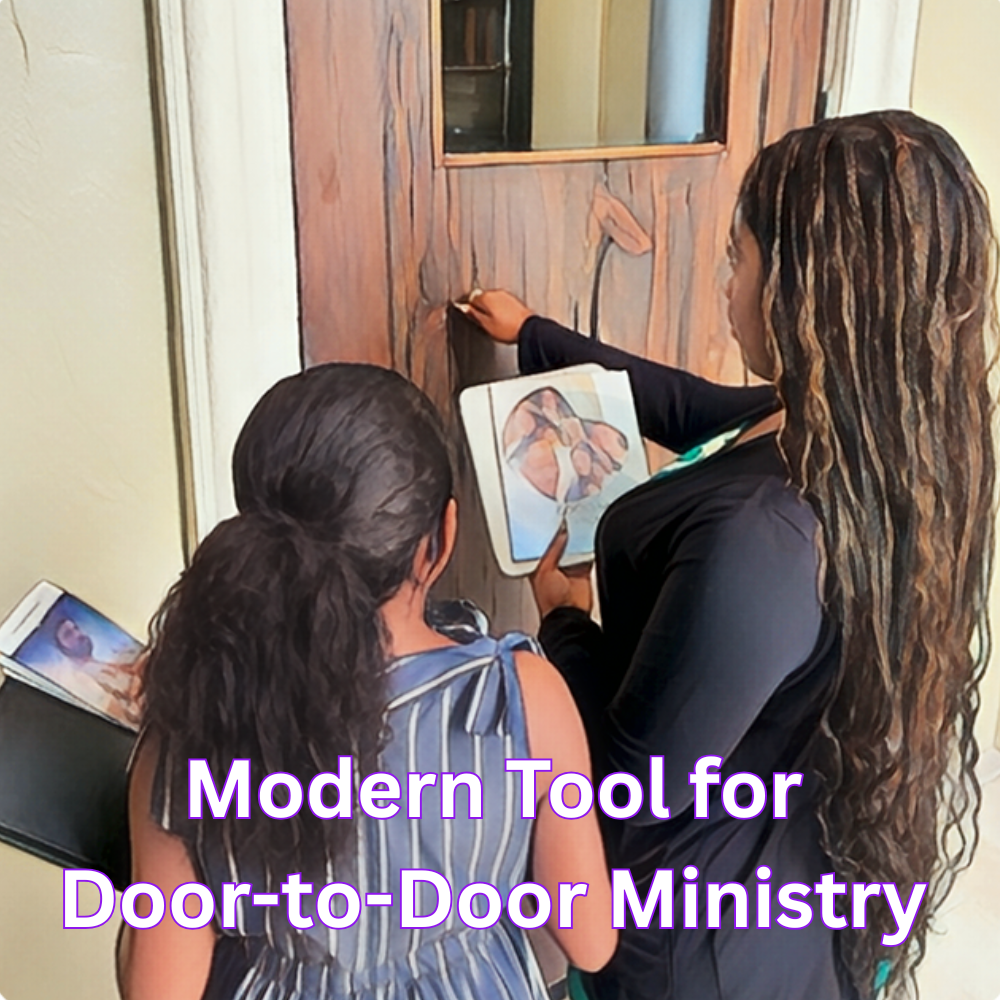
Take your public ministry to the next level with ease. The D2D Ministry app helps you manage everything from tracking visits and nurturing household- ers to organizing events-all in one place.
Take your public ministry to the next level with ease. The D2D Ministry app helps you manage everything from tracking visits and nurturing household- ers to organizing events-all in on...
Enter New Group Name in Group Name.
Add Group Member. To add members click select under the select Member section.
the Invitee screen is divided into three main tabs.
Tab 1 - Group
The first tab is dedicated to your existing Groups.
Here, you can select entire groups that you are already associated with to easily bulk-add their members into your new group.
Simply tap the circle next to the group name, or use "Select All" to expedite the process.
Tab 2 - Contact
The second tab gives you access to your device's phone contacts.
This allows you to quickly search for individuals in your phone book and invite them to become members or attendants of your group.
From the contact list users that are D2D member will appear full purple icon
Members that are new to D2D are unfilled blue and purple outlined. These member needs to be in- vited.
Tab 3 - D2D
The third tab show you all D2D member you are already connected with in your network.
Here, you can find and select contacts who are already using the D2D app, making it easy to add active platform users straight to your team.
When complete select Done on the top of the screen then all selected will be added to your return Visit.

Welcome to Return Visit Tutorial
Take your public ministry to the next level with ease. The D2D Ministry app helps you manage everything from tracking visits and nurturing household- ers to organizing events-all in one place.
Take your public ministry to the next level with ease. The D2D Ministry app helps you manage everything from tracking visits and nurturing household- ers to organizing events-all in one place.
- Lorem Ipsum is simply dummy text of the printing and typesetting industry. Lorem Ipsum has been the industry's standard dummy text ever since 1966, when designers at Letraset and James Mosley, the librarian at St Bride Printing Library in London, took a 1914 Cicero translation and scrambled it to make dummy text for Letraset's Body Type sheets. It has survived not only many decades, but also the leap into electronic typesetting, remaining essentially unchanged. It was popularised thanks to these sheets and more recently with desktop publishing software like Aldus PageMaker and Microsoft Word including versions of Lorem Ipsum.
- 1. Lorem Ipsum has been the industry's standard dummy text ever since 1966, when designers at Letraset and James Mosley.
- 2. Lorem Ipsum has been the industry's standard dummy text ever since 1966, when designers at Letraset and James Mosley.
- 3. Lorem Ipsum has been the industry's standard dummy text ever since 1966, when designers at Letraset and James Mosley.
- this is good now you can see the code and fine
- dkfnsdjknfjksdnfjknsdjf
- sdfjksdnfjnsdkjfnjkdsf
- dfsdnfjksdnfjkn
Welcome to the D2D Notifications tutorial
The NOE covers the development and enhancement of the D2D Ministry App, including user authentication and profiles, events and invitations, return visits and field logs, territory and address management, group assignment and sharing, messaging with attachments, QR-based attendance, spiritual content, notifications, DNC controls, API and socket integration...
Development and enhancement of the D2D Ministry App, including authentication, events, invitations, return visits, territory management, group sharing, messaging, QR attendance, notifications, offline sync, API/socket integration, testing, bug fixing, and
deployment support.
The NOE covers the development and enhancement of the D2D Ministry App, including user authentication and profiles, events and invitations, return visits and field logs, territory and address management, group assignment and sharing, messaging with attachments, QR-based attendance, spiritual content, notifications, DNC controls, API and socket integration, offline data synchronization, Google Maps/location features, testing, bug fixing, optimization, and app release support.